App Store screenshots, side by side.
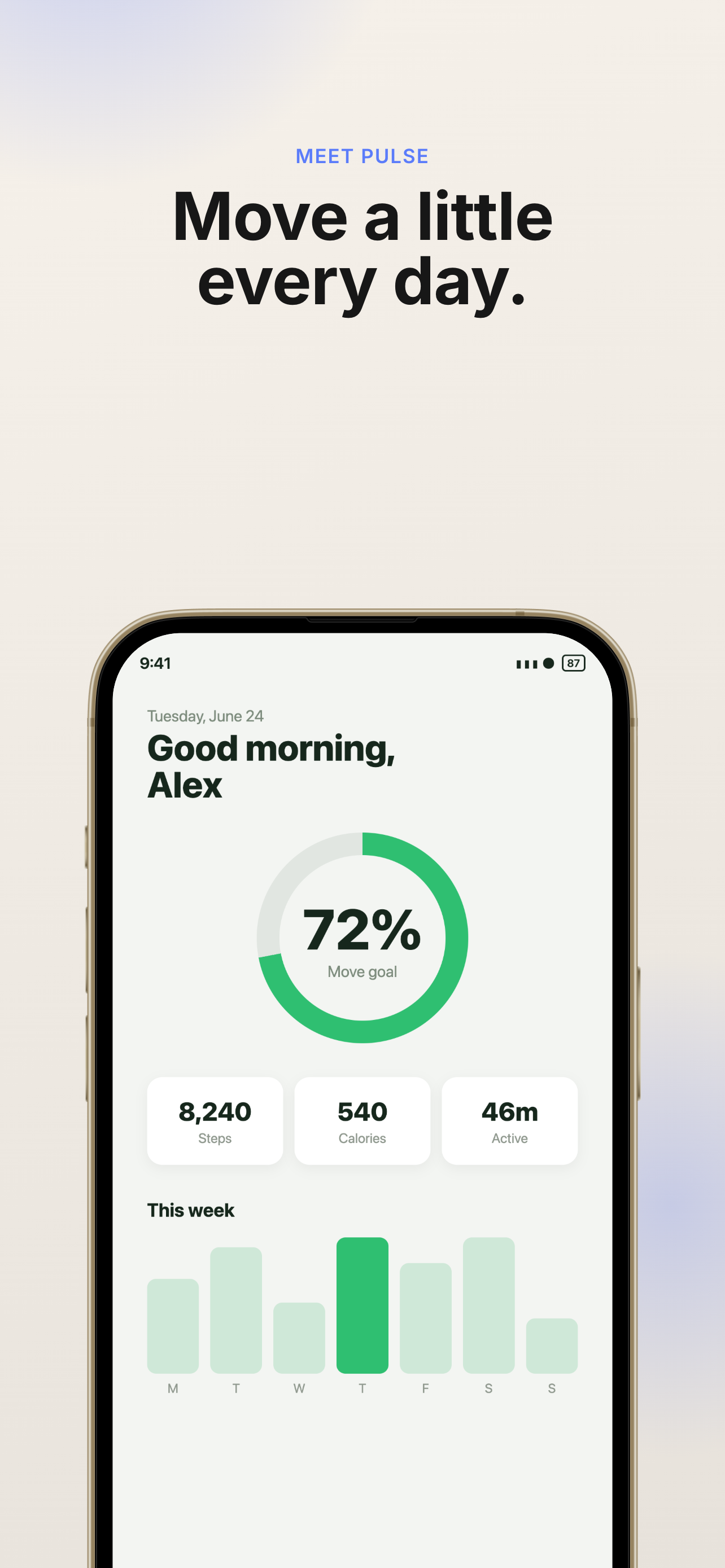
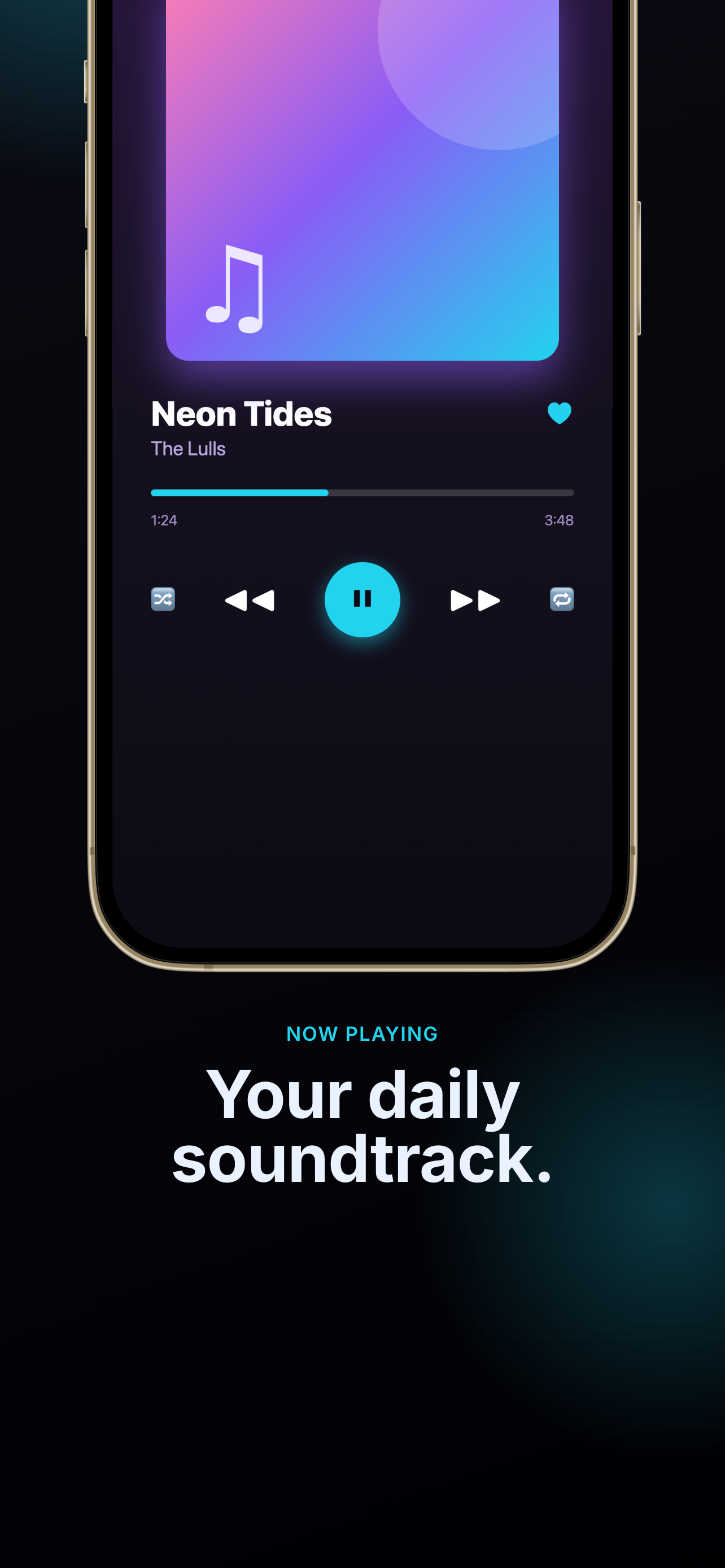
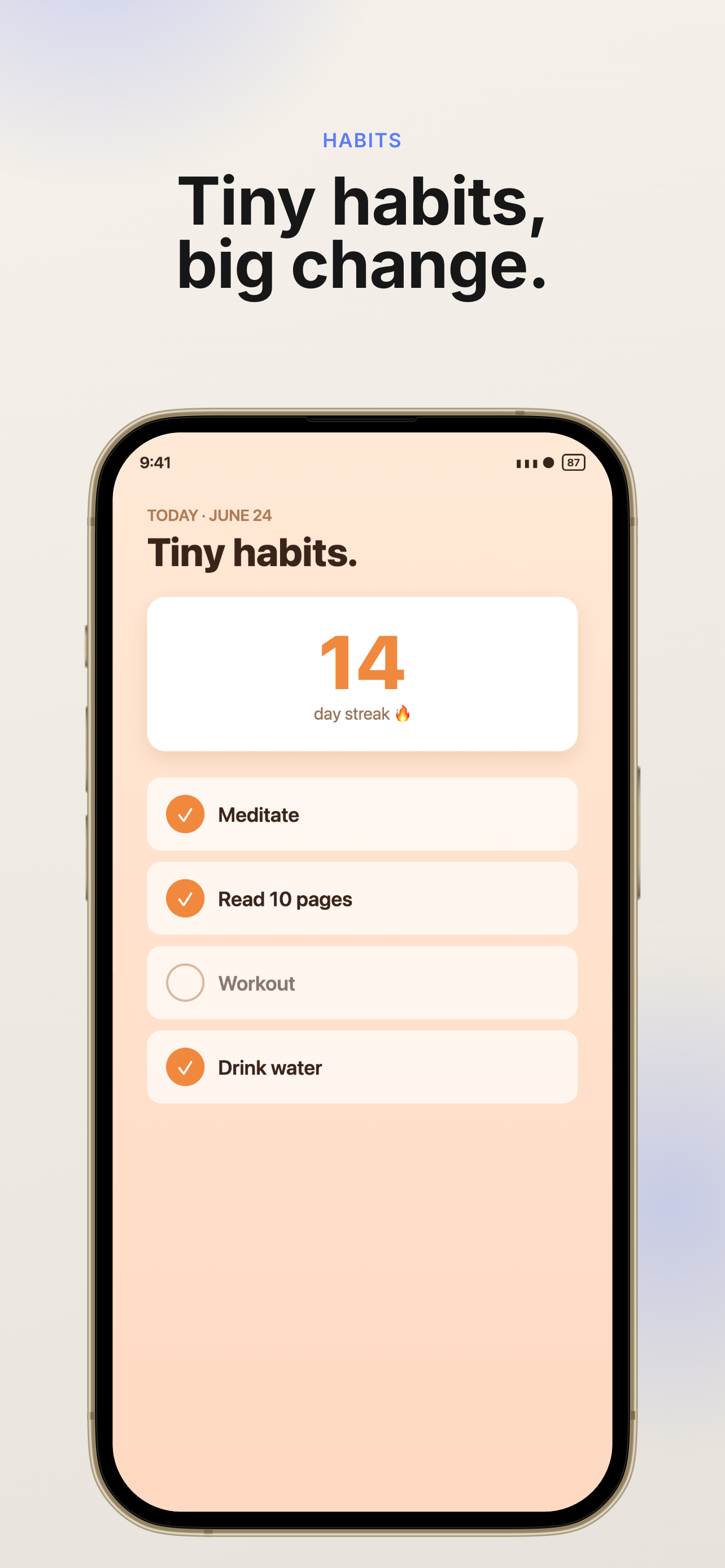
Design your whole set on one canvas — the way Canva won't — and export at the exact device sizes Apple accepts. No rejected uploads, no subscriptions to start.
Everything you need to ship great screenshots
Side-by-side canvas
Lay out every page on one horizontal canvas and design them together — so your story flows across the whole set, not one slide at a time.
Smart screen fit
Drop in a screenshot and choose Fill, Fit, Blur, or Color — it auto-matches the edge colors so nothing ever crops or letterboxes awkwardly.
Exact App Store sizes
Export PNGs at the precise dimensions App Store Connect accepts, plus a .pptx for Canva, Keynote, or Google Slides. No more rejected uploads.
Real design controls
Device frames, pop-up crops, shapes, fonts, themes, patterns, rotation, per-element handles, undo/redo — a proper editor, not a template filler.
Private by default
Your projects and screenshots live in your own browser — nothing is uploaded to a server. Back them up to a file anytime.
Three steps to done
Pick a device
Start a project on an iPhone or iPad. The canvas is exactly the device's pixels.
Drop screenshots in
Bulk-upload and they auto-fill your pages. Pan, zoom, and fit each one perfectly.
Export & ship
One click gives you App-Store-ready PNGs (and a slides file). Upload and you're done.
Make your first mockup in a minute
No sign-up to start. Your work stays in your browser. Export when you're ready.
Open the editor